Arduino Laser Detector and Laser Sensor: How to Measure and Use Laser Light
In today’s rapidly evolving technological landscape, the integration of sensors and microcontrollers has become essential for a wide range of applications, from robotics to industrial automation. Among these, the Arduino laser detector and laser sensor stand out as powerful tools for measuring and detecting laser light. This article explores the basics of these devices, their applications, and how they can be effectively used in practical projects.
A laser sensor is a device that detects the presence or intensity of laser light. It typically consists of a photodiode or phototransistor that converts light into an electrical signal. When a laser beam hits the sensor, it generates a voltage that can be measured and processed by an Arduino microcontroller. The Arduino laser detector, on the other hand, is a specialized component designed to detect and measure laser light in real-time. It often includes a built-in amplifier and processing circuitry to enhance the detection accuracy and signal strength.
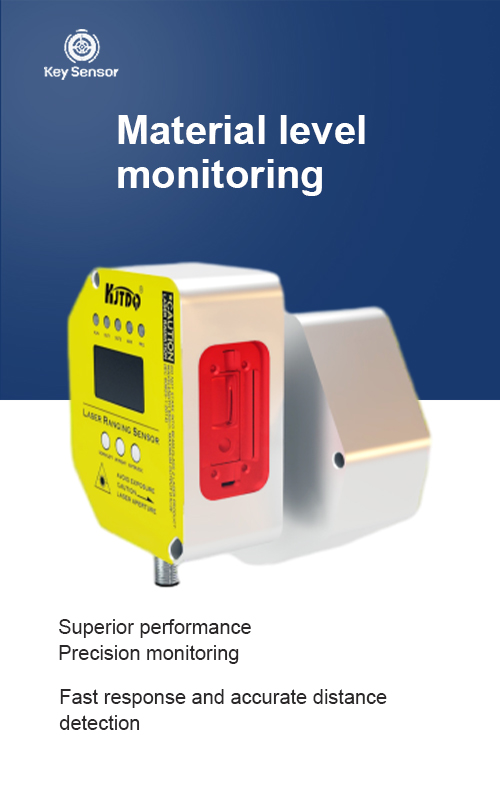
The primary purpose of a laser sensor is to detect and measure the intensity of laser light. This makes it invaluable in applications such as optical communication, laser cutting, and laser engraving. In an Arduino project, a laser sensor can be used to detect when a laser is turned on or off, monitor the intensity of the laser beam, or even adjust the output of the laser source based on the detected light.
One of the key advantages of using an Arduino laser detector is its ability to work with a variety of laser sources. Whether it’s a low-power laser for a home project or a high-power laser for industrial use, the Arduino laser sensor can be adapted to suit different needs. Additionally, the sensor’s compatibility with common Arduino boards ensures that users can easily integrate it into their projects without requiring complex wiring or additional components.
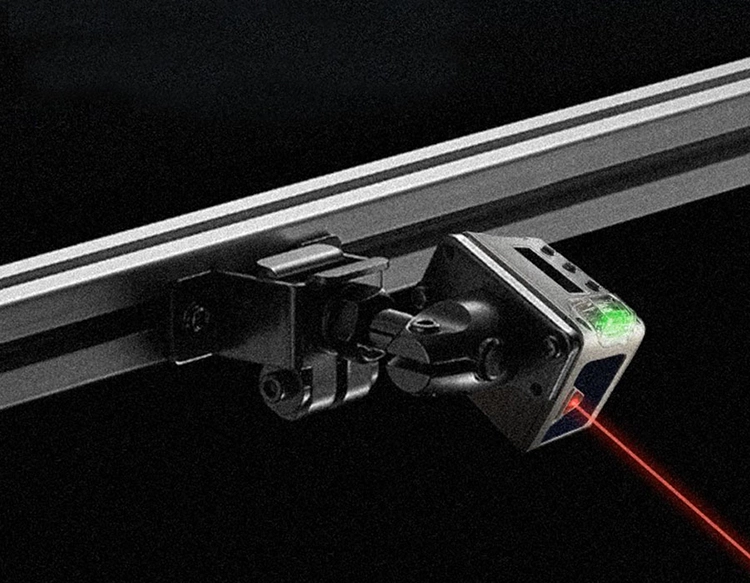
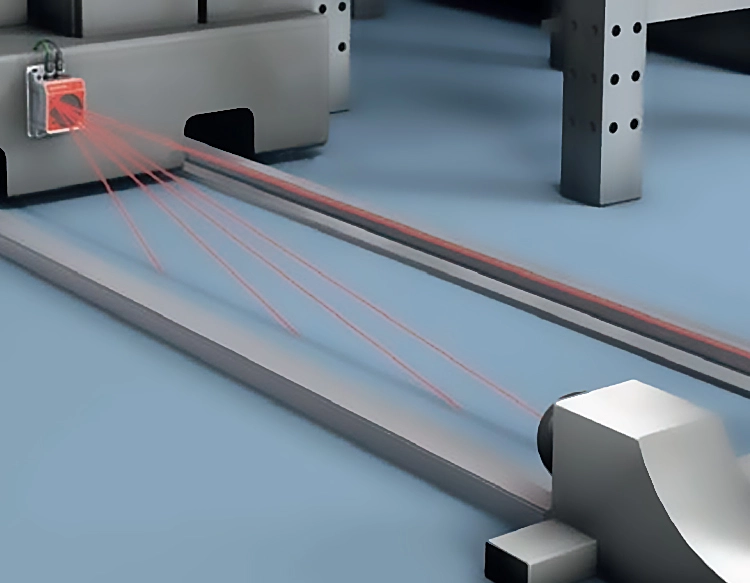
In practical applications, the Arduino laser sensor can be used in several ways. For example, it can be mounted on a laser pointer to measure the intensity of the light emitted. This is useful for testing the performance of the laser or for ensuring that the output is within safe limits. Another application is in a laser cutting machine, where the sensor can detect the presence of the laser beam and trigger the cutting mechanism accordingly. This not only improves the precision of the cutting process but also ensures that the machine operates efficiently.
Moreover, the Arduino laser sensor can be used in educational settings to teach students about optical detection and signal processing. By building a simple project using an Arduino and a laser sensor, students can gain hands-on experience with real-world technology and learn about the principles of laser detection and measurement.
When integrating an Arduino laser sensor into a project, it is important to consider several factors. First, the choice of the sensor should be based on the specific requirements of the application, such as the wavelength of the laser, the desired sensitivity, and the environmental conditions. Second, the wiring and power supply must be properly connected to ensure reliable operation. Finally, the data from the sensor must be processed and displayed in a way that is easy to understand and use.
In conclusion, the Arduino laser detector and laser sensor are essential tools for anyone interested in working with laser light. Whether you are a student, a hobbyist, or an engineer, these devices offer a versatile and powerful way to measure and detect laser light. With the right setup and configuration, they can be used to create a wide range of innovative projects and applications. As technology continues to advance, the role of laser sensors in various fields will only become more significant, making them a valuable investment for anyone looking to explore the world of optical detection and measurement.



















 +40729977919
  keysensor.ro@gmail.com


