Arduino IR Laser Sensor: A Reliable Solution for Precision Control
In today’s world of automation and robotics, precision and reliability are paramount. One of the most valuable tools for achieving these goals is the Arduino IR Laser Sensor. This combination of the Arduino microcontroller and an infrared laser sensor offers a powerful and versatile solution for various applications, from industrial automation to consumer electronics. Whether you’re a beginner or an experienced developer, this guide will help you understand how to integrate and use the Arduino IR Laser Sensor effectively.
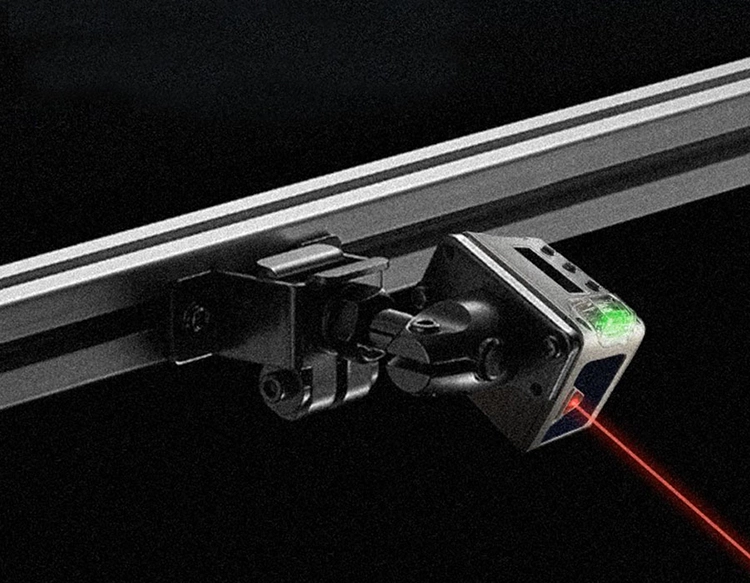
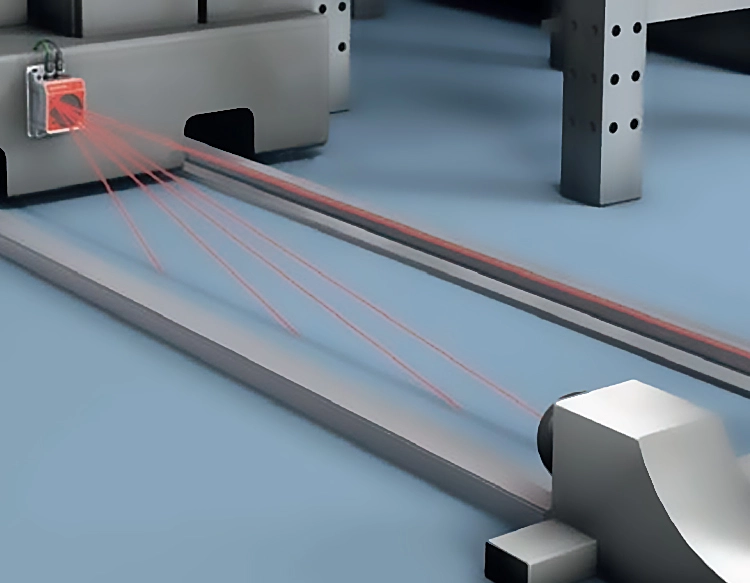
The Arduino IR Laser Sensor is a compact and affordable device that allows for precise measurement of infrared light. It works by emitting a laser beam and detecting the reflected light from an object. The sensor then processes this data to determine the distance or position of the object. This technology is particularly useful in applications where high accuracy and real-time feedback are required.
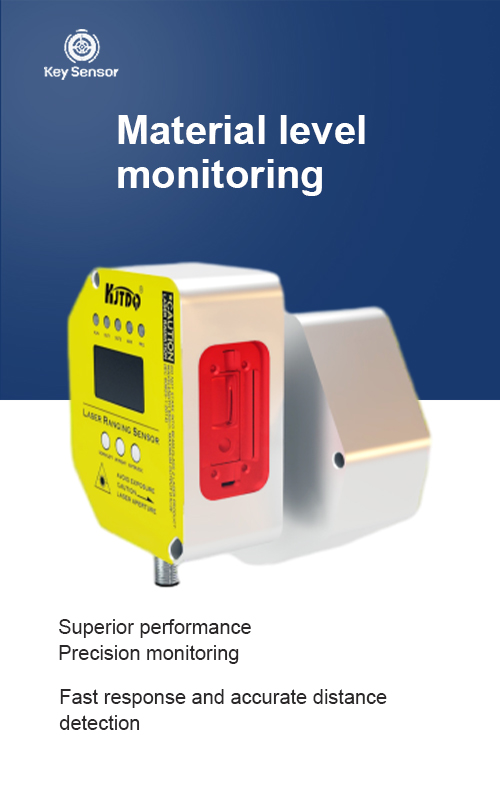
One of the key advantages of the Arduino IR Laser Sensor is its simplicity of use. Unlike more complex sensors, it requires minimal setup and can be easily connected to an Arduino board. The sensor is typically connected to the Arduino’s digital input pin, with the output signal used to control the microcontroller. This makes it an ideal choice for projects that require quick and reliable feedback.
The integration of the Arduino IR Laser Sensor into a project can significantly enhance its functionality. For example, in a robotics project, the sensor can be used to detect obstacles and enable the robot to navigate around them. In a home automation setup, it can be used to measure the distance to a wall or a surface, allowing for more precise control of light or other devices.
Another benefit of the Arduino IR Laser Sensor is its versatility. It can be used in a wide range of applications, including:
In addition to its practical applications, the Arduino IR Laser Sensor also offers a level of customization that makes it suitable for a variety of projects. The sensor can be paired with different microcontrollers, and its output can be processed using various programming languages, such as C++ or Python. This flexibility allows developers to tailor the sensor to their specific needs.
When using the Arduino IR Laser Sensor, it is important to consider factors such as the sensor’s sensitivity, the distance range, and the environmental conditions. The sensor’s performance can be affected by factors like temperature, humidity, and light interference. Therefore, it is essential to test the sensor in different environments to ensure accurate results.
In conclusion, the Arduino IR Laser Sensor is a valuable tool for anyone looking to enhance the precision and reliability of their projects. Whether you’re building a robot, a home automation system, or a scientific instrument, this sensor offers a powerful and easy-to-use solution. With its simple setup, versatility, and high accuracy, it is an excellent choice for a wide range of applications. By integrating the Arduino IR Laser Sensor into your project, you can achieve greater control and precision, making your project more efficient and effective.



















 +40729977919
  keysensor.ro@gmail.com


