Arduino Laser Distance Sensor: A Powerful Tool for Precision Measurement
In today’s rapidly evolving technological landscape, precision and reliability are crucial for many applications, from industrial automation to consumer electronics. Among the many sensors available, the Arduino laser distance sensor stands out as a versatile and high-accuracy tool that can be easily integrated into projects. This article explores the functionality, applications, and benefits of the Arduino laser distance sensor, focusing on how it can be used to measure distances with remarkable precision.
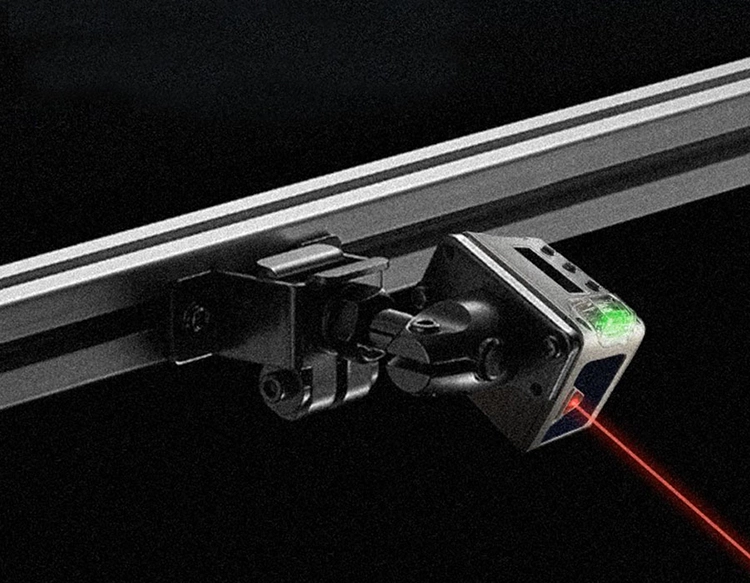
The Arduino laser distance sensor is a device that uses laser light to measure the distance between a sensor and an object. It works by emitting a laser beam and measuring the time it takes for the beam to bounce back from the object. This time is then converted into a distance measurement, providing a highly accurate reading. Unlike traditional sensors that rely on ultrasonic or optical methods, the laser sensor offers greater range and precision, making it ideal for applications that require high accuracy over a large distance.
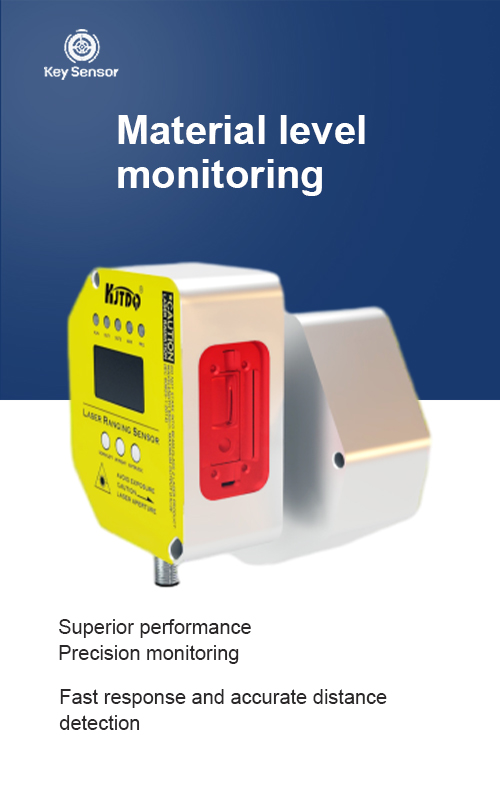
One of the key advantages of the Arduino laser distance sensor is its ability to measure distances in a wide range, from a few centimeters to several meters. This makes it suitable for various applications, including robotics, automation, and even home automation. For example, in a robotic arm, the sensor can be used to detect the distance to a target object, allowing the arm to adjust its movement accordingly. In home automation, the sensor can be used to detect the presence of objects in a room, triggering lights or appliances as needed.
Another significant benefit of the Arduino laser distance sensor is its ease of integration with the Arduino platform. The sensor is designed to work seamlessly with Arduino boards, offering a straightforward setup process. Users can connect the sensor to the Arduino board using a simple digital pin, and then write code to read and process the sensor data. This makes it an ideal choice for beginners and experienced programmers alike, as it requires minimal setup and configuration.
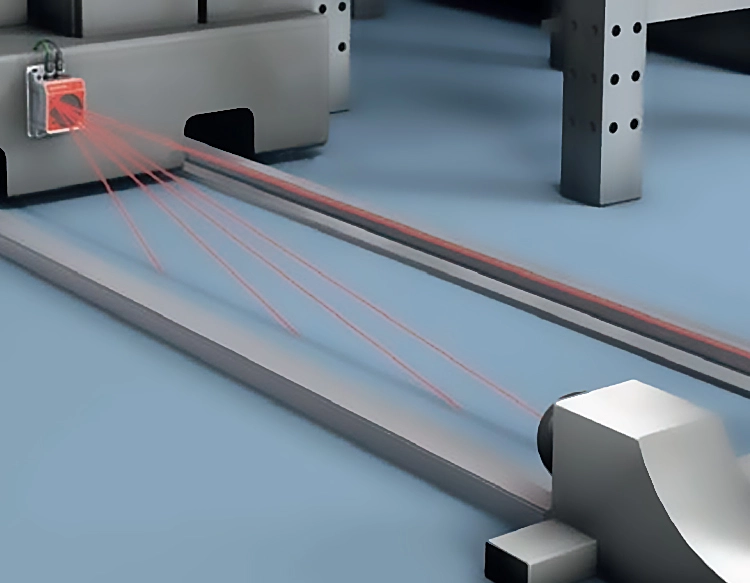
In addition to its technical advantages, the Arduino laser distance sensor also offers practical benefits in real-world applications. For instance, in industrial settings, it can be used to monitor the distance between machinery and moving parts, ensuring that operations are performed safely and efficiently. In scientific research, the sensor can be used to measure the distance of objects in experiments, providing reliable data for analysis.
The sensor’s high precision and reliability make it a valuable tool for developers and engineers looking to create innovative projects. Whether it’s for a simple distance measurement project or a complex automation system, the Arduino laser distance sensor provides a powerful and flexible solution. Its ability to provide accurate readings with minimal setup makes it an excellent choice for both educational and commercial applications.
In conclusion, the Arduino laser distance sensor is a remarkable tool that combines high precision with ease of use. Whether it’s for a personal project or a professional application, it offers a reliable and accurate way to measure distances. As technology continues to advance, the importance of such sensors will only grow, making the Arduino laser distance sensor an essential component in the development of modern automation and measurement systems.



















 +40729977919
  keysensor.ro@gmail.com


